Translate your WordPress content with Parlam and WPML
Send pages, posts, and products for translation directly from WPML and receive translations in WordPress, ready to review or publish depending on your website settings
How the connector works
Install WPML in
WordPress and
configure the
languages and content
you want to translate

Connect to Parlam
Activate Parlam as your translation service provider in WPML and connect it to your account

Send your content
Select the pages, posts, or products you want to translate and send them directly to Parlam

Receive your translations
Track the status of your translation jobs in WPML and receive the translations directly on your website
What you can do with the connector
Tailor the connector to your needs
Install and configure WPML following the provider's instructions, then activate Parlam as your translation service provider.
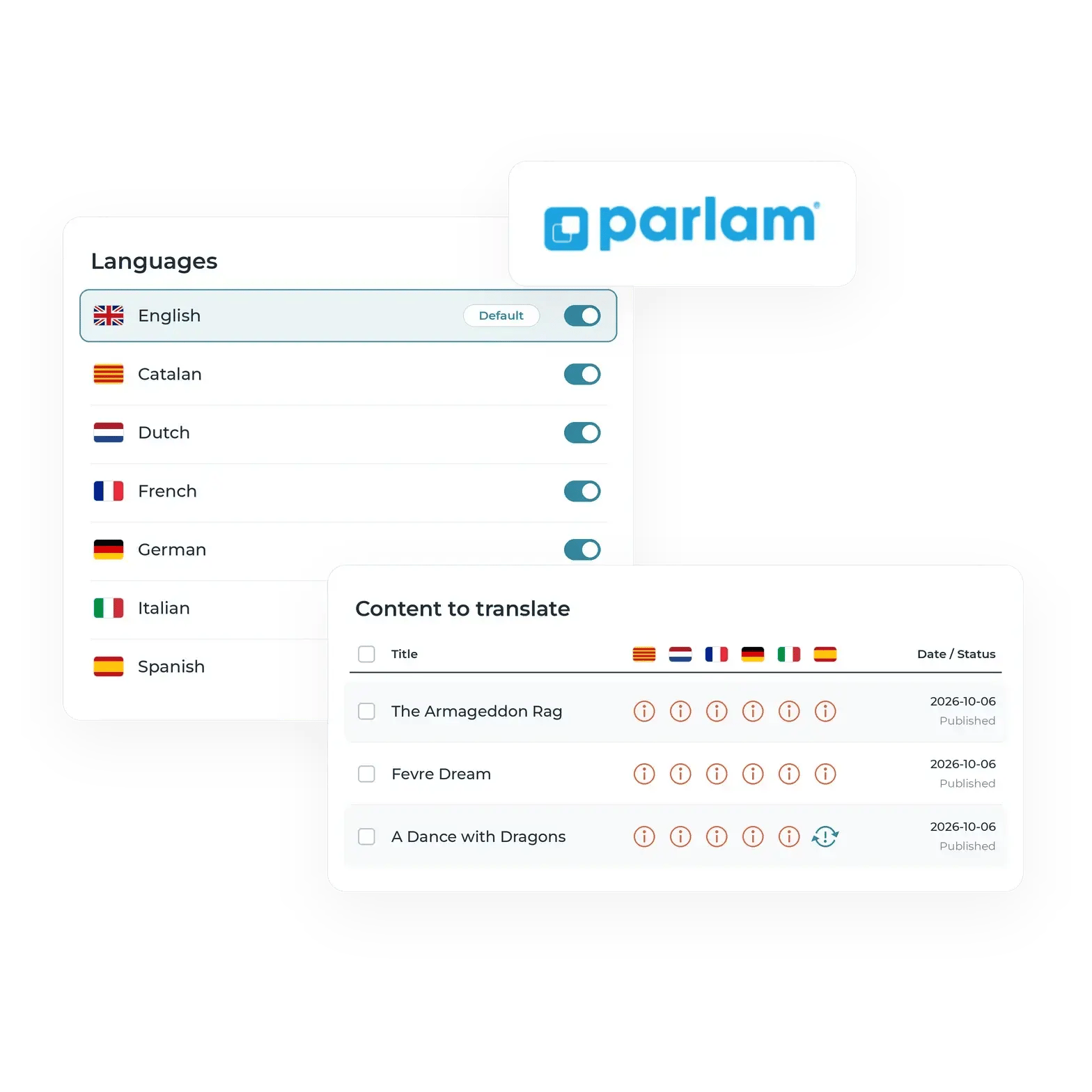
Select your languages and choose which pages, posts, products, and other content you want to translate from WordPress


Create translation projects
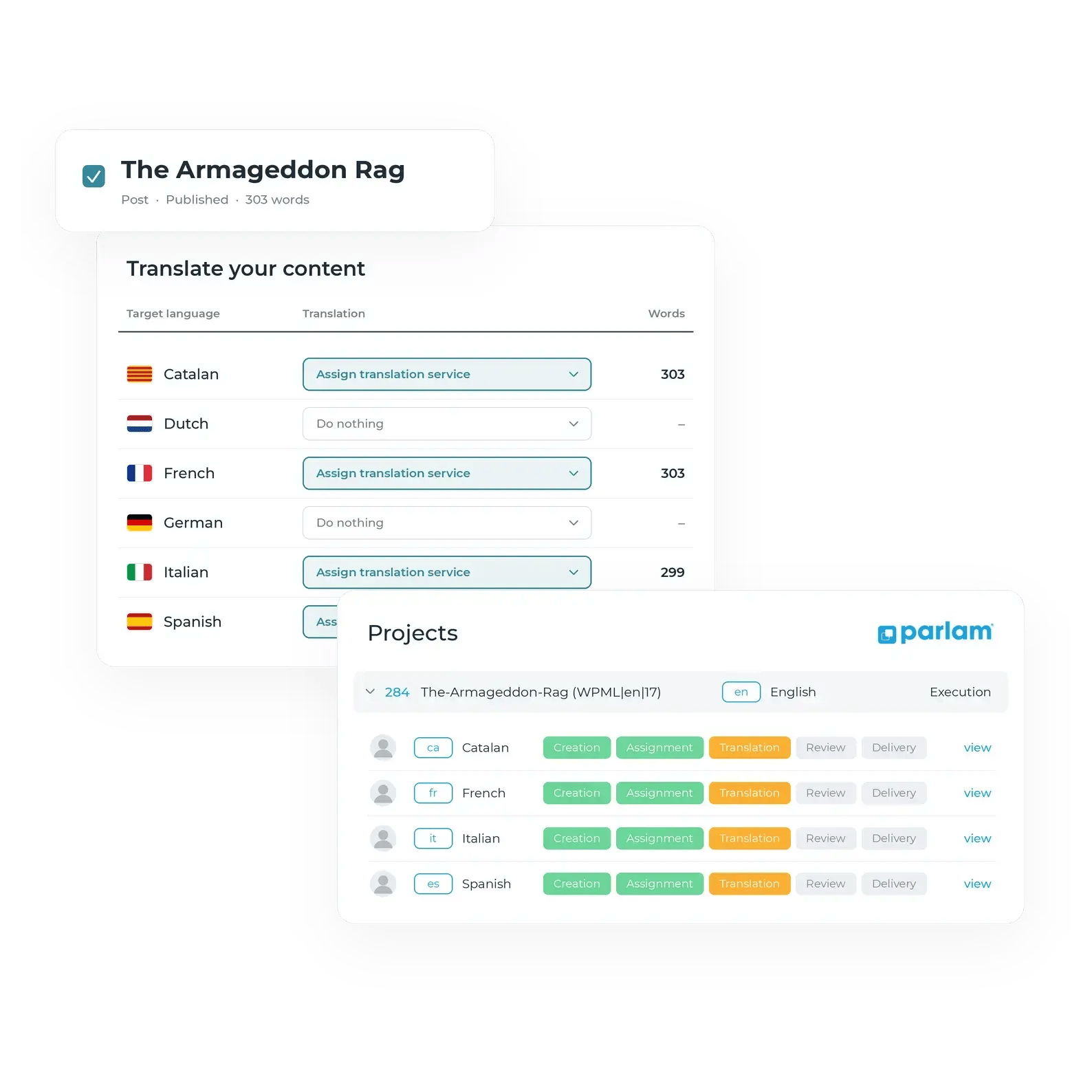
Select the content you want to translate in WPML, choose your target languages, and send it to Parlam.
A separate translation project is created in Parlam for each content item and target language, where your agencies, translators, or AI tools handle the translation
Track your translation progress
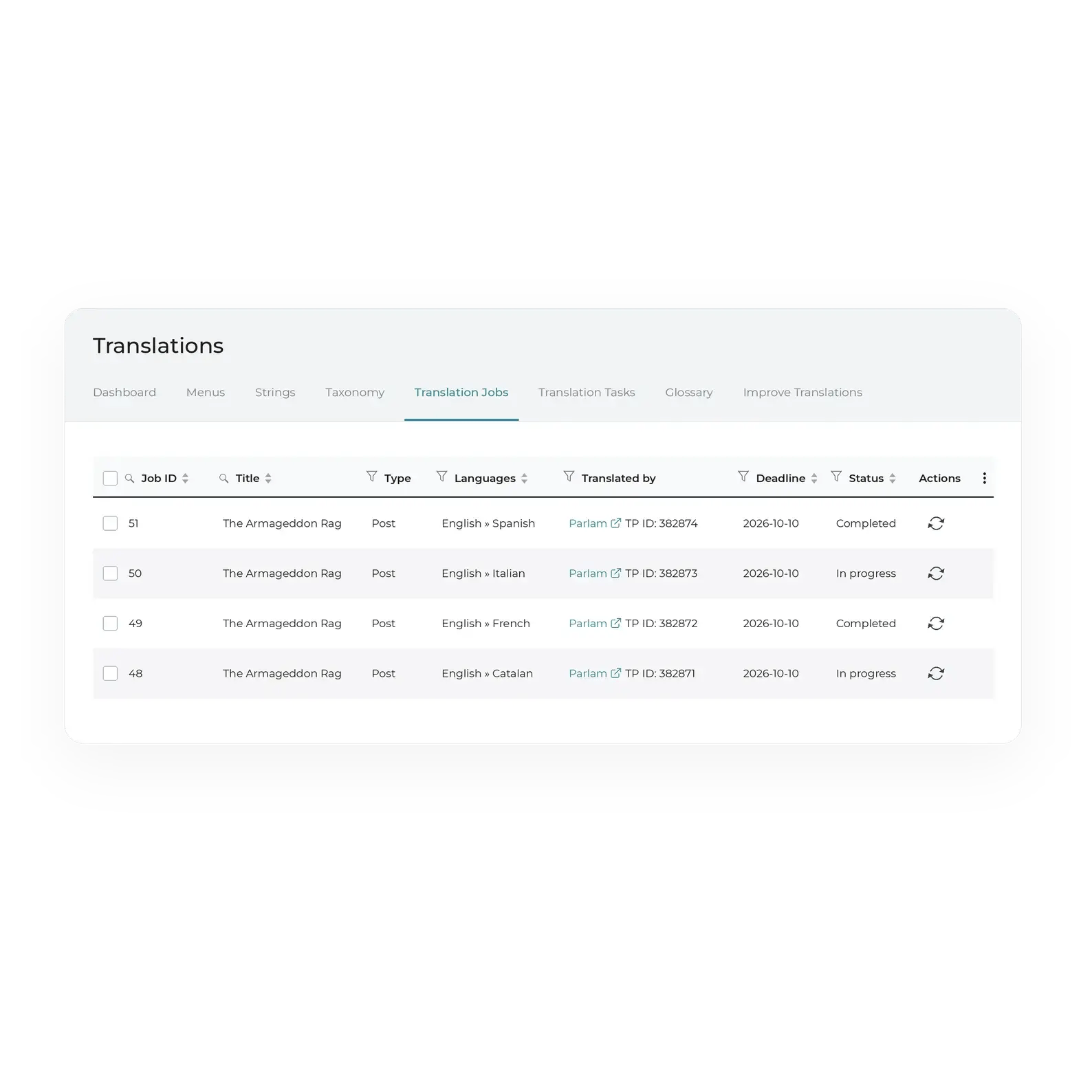
Go to Translation Jobs in WPML to check the status of your translation jobs.
As projects are completed in Parlam, translations are automatically delivered back to WordPress, without having to wait for the entire batch to be finished


Translation complete!
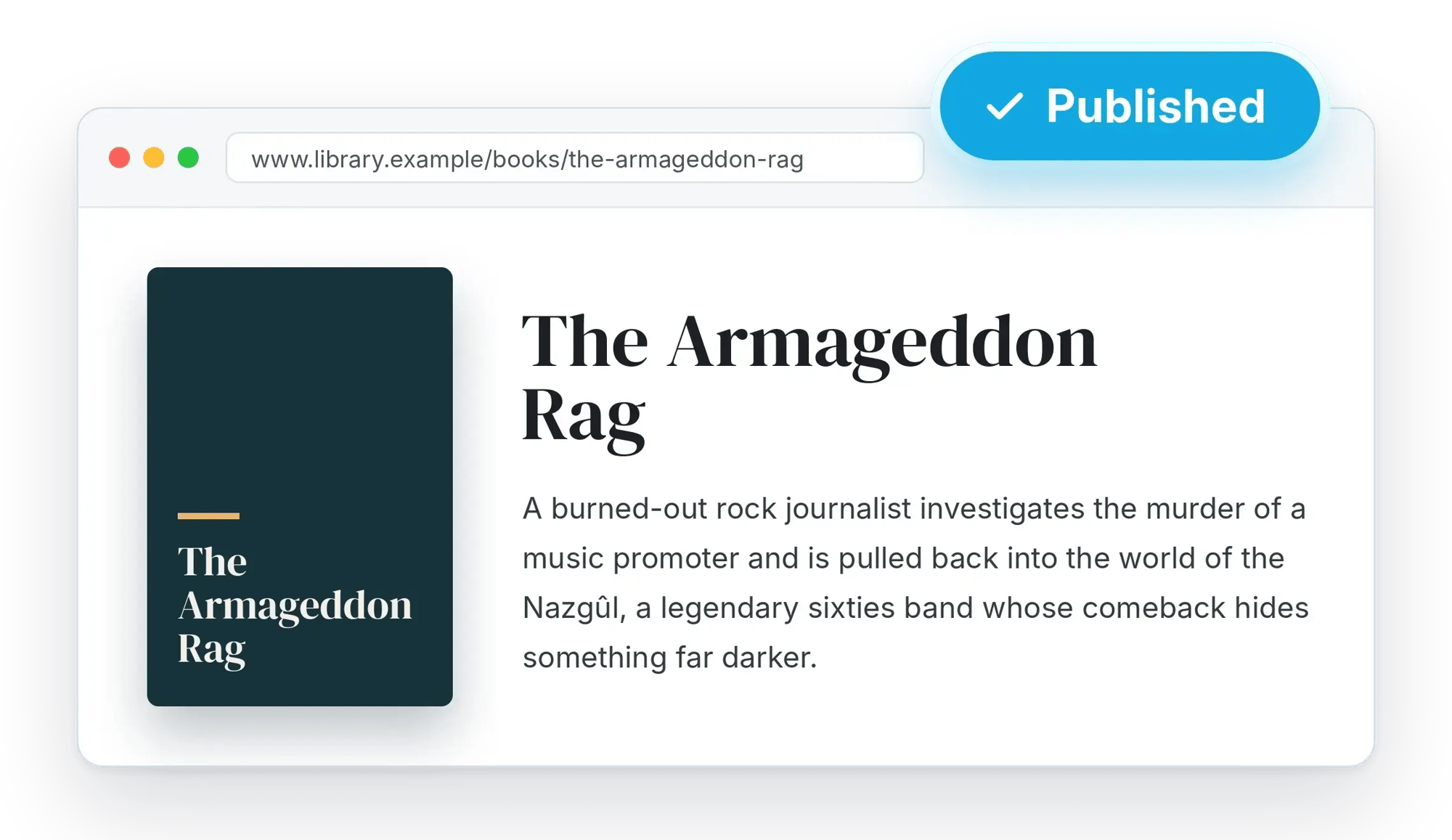
Once a translation is ready, you can access it in the corresponding language directly from WordPress.
Depending on your WPML settings, the translated content will be published automatically or saved as a draft for you to review before publishing
Your team can manage translations without leaving the environment they already know. Select content in WPML and receive translations directly on your website
Continue working with your existing agencies, translators, and reviewers, or use AI translation. Parlam brings them all together in one centralized platform

Leverage Parlam's centralized translation memory to reuse previously translated content, maintain consistency across languages, and speed up delivery

Translate your content without having to rebuild its structure. WPML preserves formatting elements and allows translators to view the original page so they can work with the full context
Frequently Asked Questions
What do I need to use the Parlam connector for WordPress?
You need an active Parlam TMS account and a WordPress website with WPML installed and configured. Once you've set up your languages and translatable content, you can activate Parlam as your translation service provider and start submitting projects.
How do I install and configure the connector?
First, install and configure WPML following the provider's instructions. Then, activate Parlam as your translation service and connect it to your account.
You don't need to install an additional Parlam plugin. You can find all the configuration and usage instructions in our user guide.
Which languages can I translate my content into?
You can translate your content into any language your business needs, as long as it's configured in WPML and available in your Parlam account. When creating a translation job, you can select your target languages and receive translations directly in WordPress.
Who translates my content?
You decide who translates each project. Parlam is a TMS that connects your WordPress website with your existing agencies, freelance translators, and AI tools.
You can keep working with your current providers or use AI models from OpenAI, Anthropic, or Google Gemini configured in Parlam. The entire process is managed centrally, while your editors continue working in WordPress.
WordPress Connector User Guide
Find out how to activate Parlam in WPML, submit content batches, and receive your translations directly in WordPress
Download the user guide
We'll show you how to send content for translation from WPML, track your translation progress, and receive translations directly in WordPress
Copyright © 2010-2026 Parlam Software SL. All rights reserved. Parlam Software®, Parlam Inc.® and Parlam® are the property of Parlam Software SL. SDL® is a registered trademark of SDL plc. The SDL Web® connector has been developed by Parlam Software. The use of the SDL® trademark in this document is not intended to imply or suggest that SDL® directly or indirectly recommends or endorses the connector.