
Skip to content
English
rws tridion

Translate your RWS Tridion content with Parlam

Send content for translation directly from RWS Tridion and receive translations in each language's publication, ready to review or publish.

How the connector works

carpeta-3x2

Create a project
Right-click an item in
your source publication
and select Translate



click-3x2

Save or submit
Save your project to add more items later, or submit it to Parlam for translation


documento_check-3x2

Save or submit
Save your project to add more items later, or submit it to Parlam for translation


world-3x2

Receive your translations
Get an email notification and access the translated content in each language's publication
What you can do with the connector

Tailor the connector to your needs

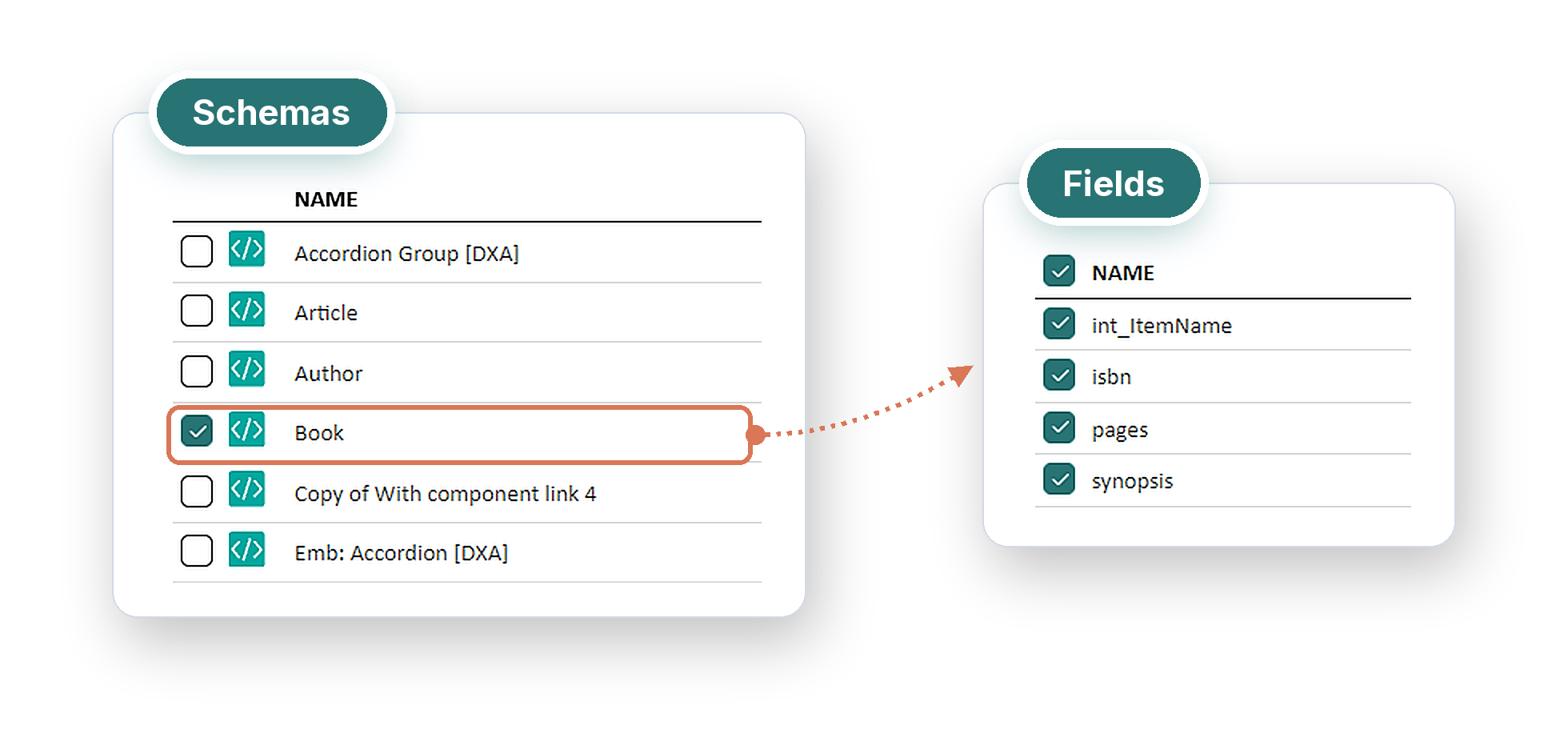
Choose which schemas and fields to translate, including metadata, and configure the target publications for each language.

You can also set up automatic publishing rules so your localized content goes live when it's ready.

composicion_schemas_campos_transparente-_1_-_2_
composicion_items_excluded_transparente-_2_

Create translation projects

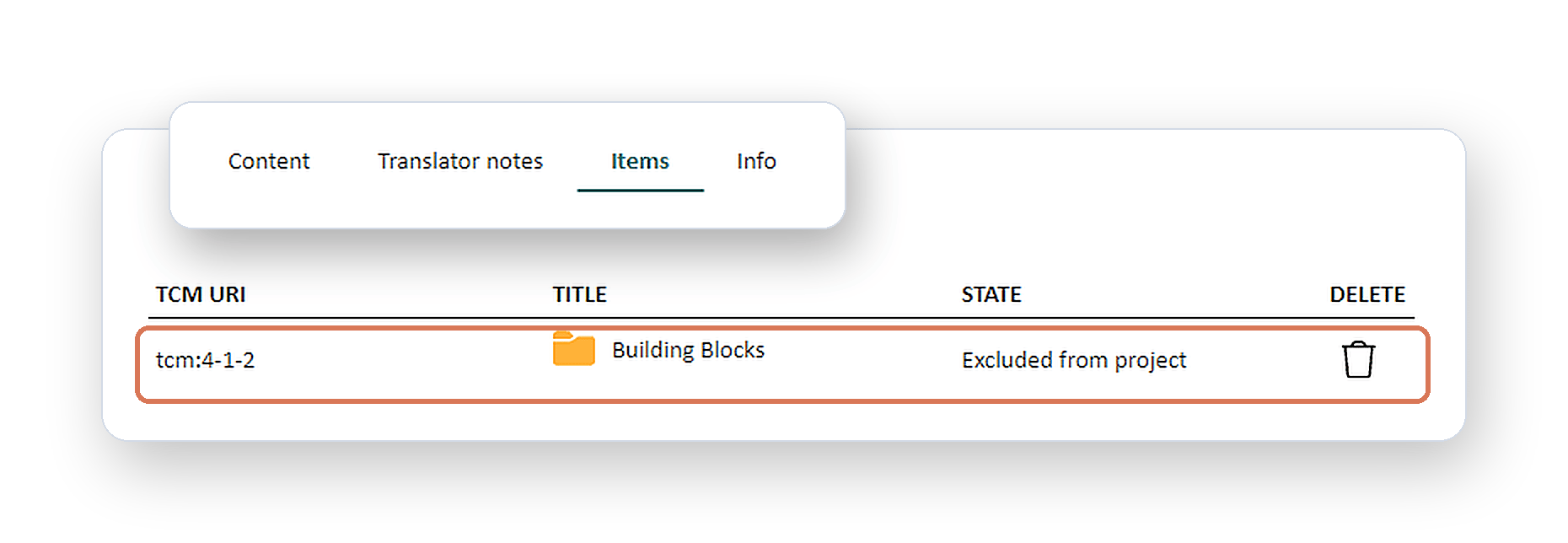
Add components, pages, or other items to a project, give it a name, set a delivery date, and leave comments for the translator.

Select your target languages and assign your preferred translator or AI to each one.

Track your translation progress

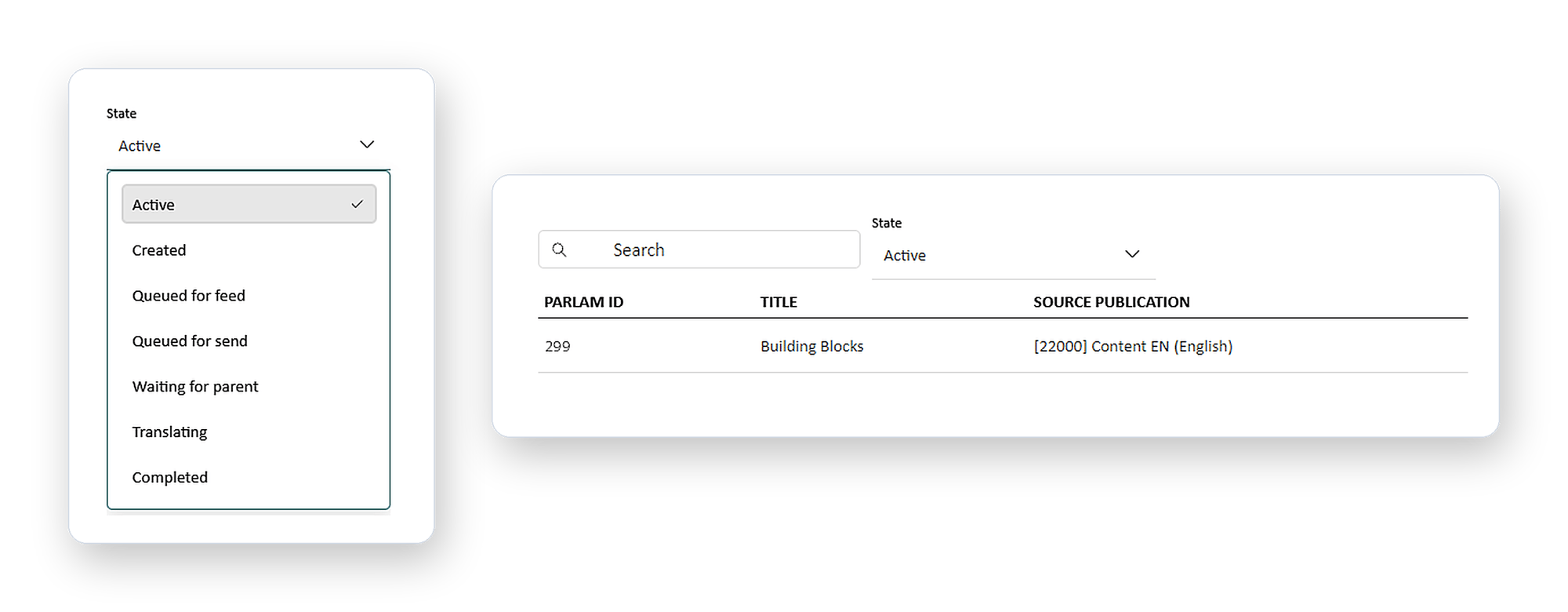
Access Parlam Queue from the Tridion header to check the status of your projects and track translation progress for each language.

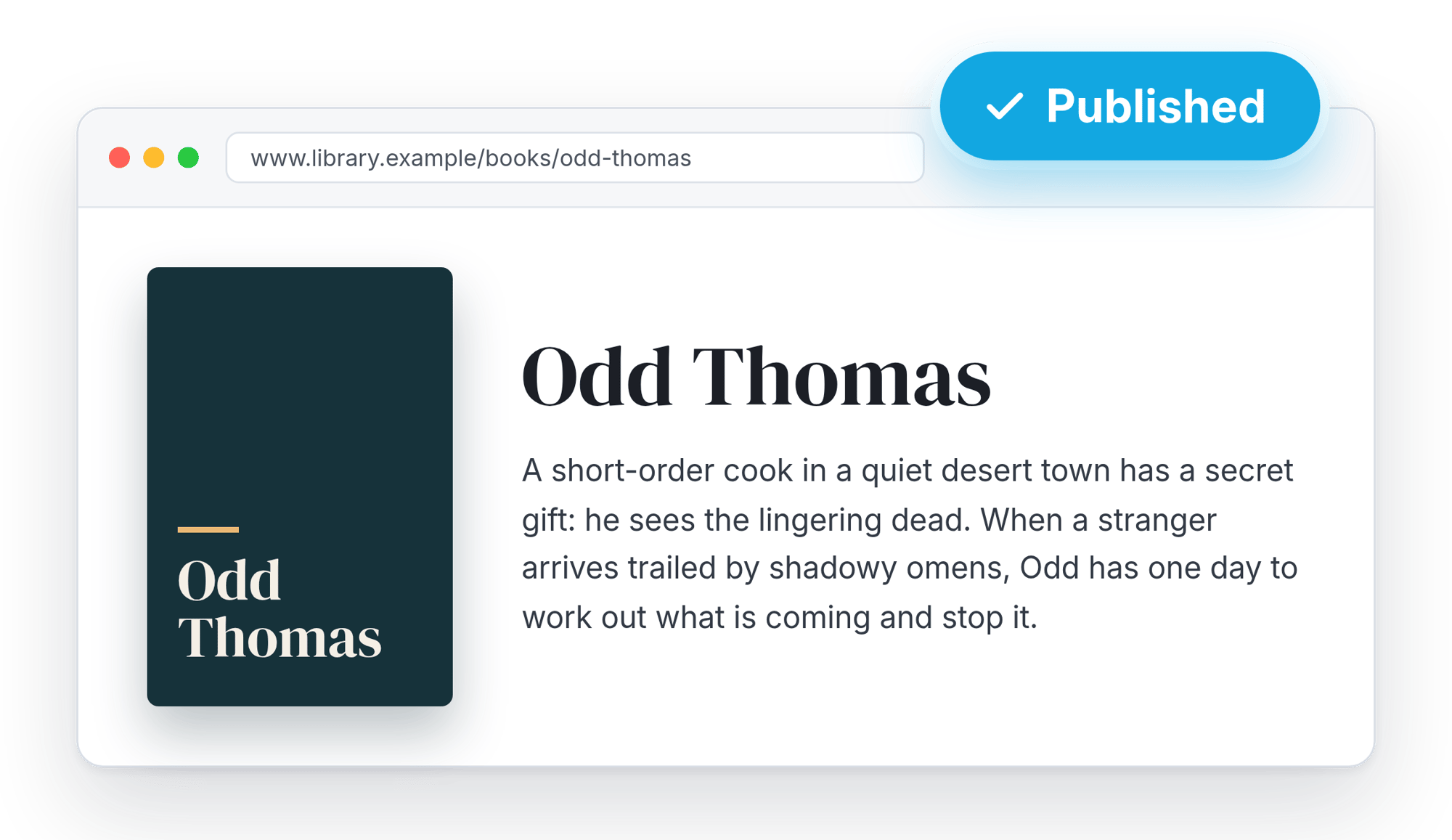
Receive localized content as each translation is completed, without having to wait for every language in the project to be finished.

composicion_estado_building_blocks_transparente-_2_
mock_web_published_transparente

Translation complete!

Go to the target publication to access your localized content. If notifications are enabled, you'll receive an email when a translation is delivered

Benefits of using Parlam with Tridion

parlam-small-logo
Group_323-3x2

Built into the menus you already use

The add-on is integrated into Tridion's context menus, making it as intuitive to send content for translation as any other task in your daily workflow


world-3x2

Manage multiple websites and languages

Manage translations for different websites from a single Parlam account. Work with source and target publications in your BluePrint and create regional variants


Group_322-3x2

Keep working with your trusted translators

Continue working with your existing agencies, translators, and reviewers, or use AI translation. Parlam brings them all together in one centralized platform

Group_322__1_-3x2

Save time and reduce translation costs

Leverage Parlam's centralized translation memory to reuse previously translated content, maintain consistency across languages, and speed up delivery


Frequently Asked Questions

What do I need to use the Parlam connector for RWS Tridion?

You need an active Parlam account and RWS Tridion Sites 10 with Experience Space. The Parlam team will provide you with the add-on to install in your environment. You'll also need to configure the publications and languages you want to work with.

How do I install and configure the connector?

The add-on is installed directly in Tridion. Once connected to Parlam, you can configure which content to translate, your target languages, and automatic publishing rules.

Check out our user guide for step-by-step instructions on installation, configuration, and use.

Which languages can I translate my content into?

You can translate your content into any language enabled in your Parlam account and configured in your Tridion target publications. Simply select the languages you need when creating each project.

Who translates my content?

You decide. Parlam is a Translation Management System (TMS) that lets you work with your own agencies, freelance translators, internal teams, and reviewers.

You can also use AI-powered translation tools, including supported models from OpenAI, Anthropic, or Google Gemini, depending on your account configuration.

Tridion Connector User Guide

Find step-by-step instructions for installing the add-on, configuring your publications, and managing translation projects directly from Tridion

Success Story

"Parlam has helped us improve translation quality and reduce costs by more than 30%."

Lucía Arias
Content Executive at NH Hotel Group


See the connector in action

We'll show you how to send content for translation from Tridion and receive localized versions in your target publications, including regional variants

Copyright © 2010-2026 Parlam Software SL. All rights reserved. Parlam Software®, Parlam Inc.® and Parlam® are the property of Parlam Software SL. SDL® is a registered trademark of SDL plc. The SDL Web® connector has been developed by Parlam Software. The use of the SDL® trademark in this document is not intended to imply or suggest that SDL® directly or indirectly recommends or endorses the connector.